Kids
Popular Games
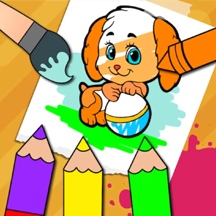

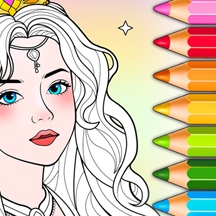

















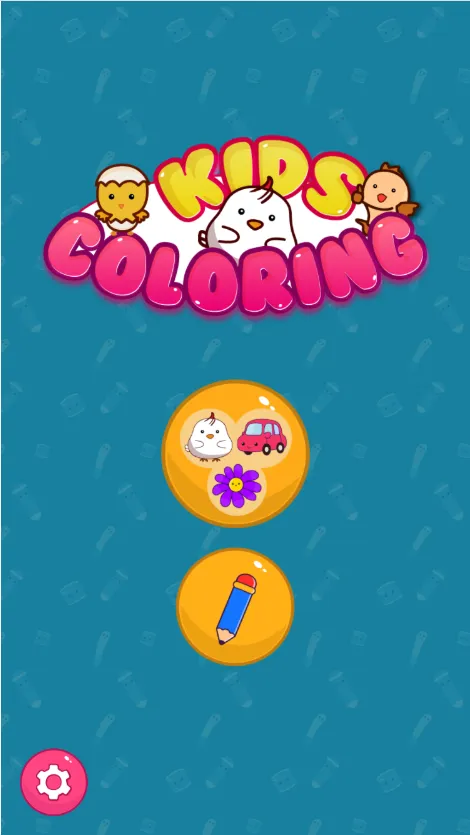
Create colorful artwork in Kids Coloring, a free online painting game for children. Fill pictures with bright colors, decorate with stickers, glitter, crayons, and patterns, or draw freely on a blank canvas.
Detailed Ratings
Three approachable creative modes provide both guided coloring and open
Bright colors, playful patterns, glitter, and stickers create a cheerful child
Straightforward mouse and touch interactions are easy for younger players to learn
Encourages creativity, color recognition, fine
Game Introduction
Kids Coloring is a child-friendly coloring and drawing game published by 2Play. Designed as a digital coloring book for young artists, it combines simple tap-to-color activities with creative painting tools that are easy to understand on both computers and mobile devices.
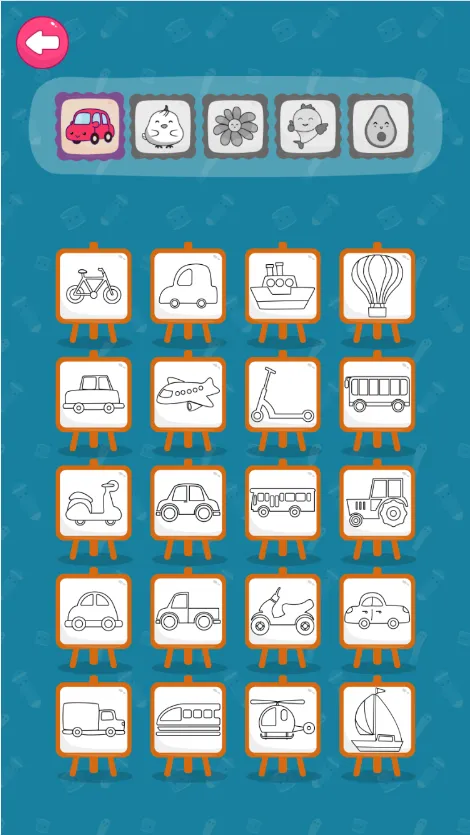
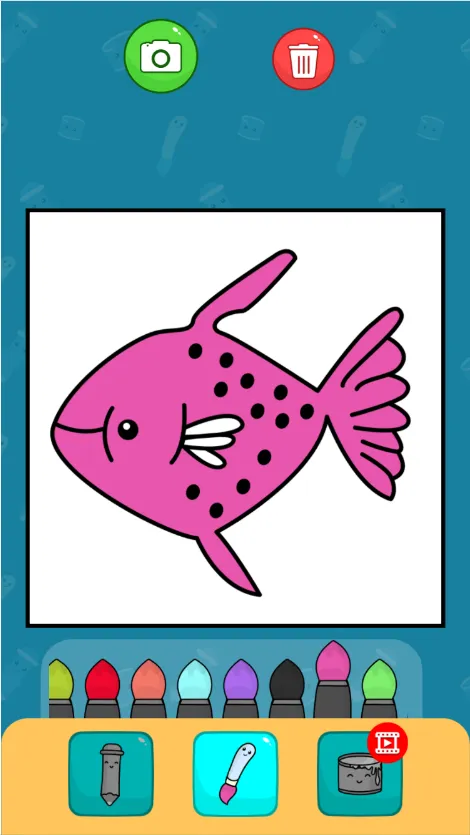
The game offers three ways to create. Fun Paint lets children fill blank coloring-book pages with a dozen bright colors, Color Fill expands the toolkit with stickers, glitter, crayons, and cute patterns, and Drawing provides an empty canvas with a full color palette for freehand artwork.
Built in HTML5 with Construct 3, Kids Coloring runs directly in a web browser without a download. Its portrait-friendly layout and mouse-and-touch controls make it suitable for quick creative sessions on desktop computers, phones, and tablets.
How to Play
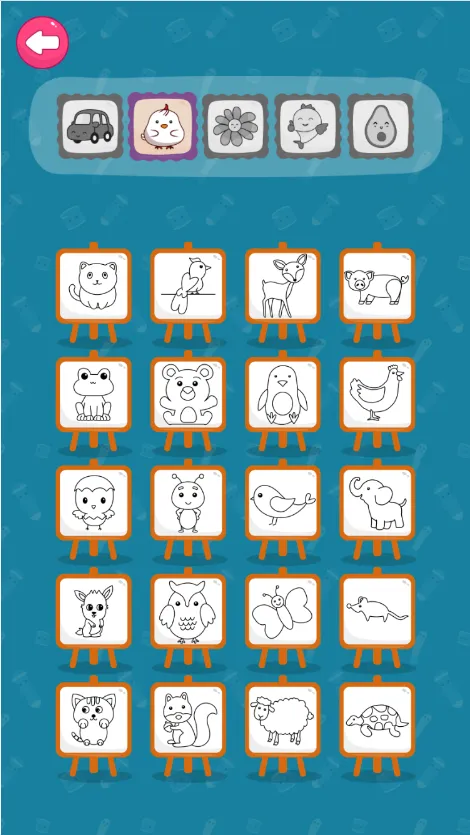
Choose one of the three creative modes: Fun Paint, Color Fill, or Drawing. In Fun Paint, select a bright color and tap an area of a coloring page to fill it. This mode is ideal for simple, guided coloring.
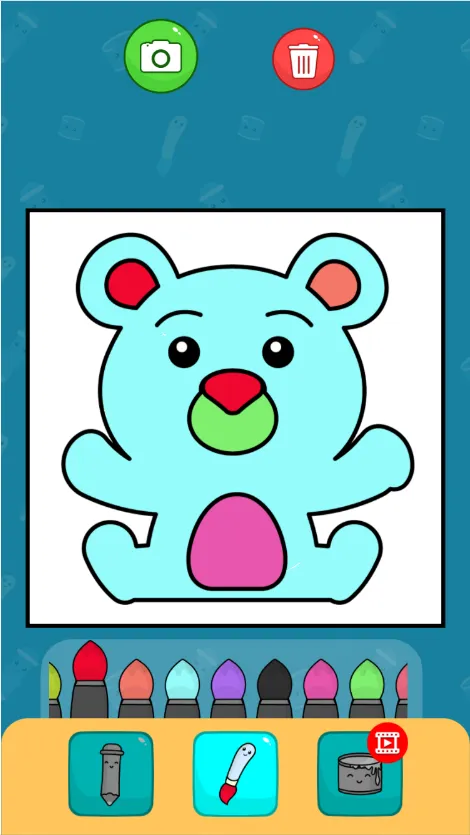
Use Color Fill when you want more decoration options. Select colors, crayons, glitter, stickers, or patterns, then apply them to the picture to create a more detailed design.
Choose Drawing to begin with a blank canvas. Pick colors from the palette and drag the mouse or your finger across the canvas to make freehand lines, shapes, and original pictures.
PC and Mobile Interaction
Use the mouse to choose a mode, coloring page, color, or decorative tool. Click an area to fill it in, or hold the left mouse button and drag across the canvas to draw freehand.
Tap menus, colors, tools, and picture areas with your finger. In Drawing mode, touch and drag across the canvas to create freehand strokes. The game supports mobile web browsers on Android devices.
Tips & Tricks
Start with Fun Paint if you are new to the game—the tap-to-fill mechanic makes it easy to learn the color tools.
Try Color Fill when you want to add variety; combine solid colors with glitter, crayons, stickers, and patterns.
Use contrasting colors next to each other so individual parts of the picture remain clear and easy to see.
In Drawing mode, begin with large shapes and outlines before adding smaller details.
Experiment freely with different palettes; there is no single correct way to finish a picture.
On mobile, use short and controlled finger movements when drawing detailed lines.
Level Information
Fun Paint mode offers simple tap-to-fill coloring with a dozen bright colors
Color Fill mode adds stickers, glitter, crayons, cute patterns, and a wider selection of colors
Drawing mode provides a blank canvas and full palette for unrestricted freehand art
Creative sandbox gameplay has no timer, score requirement, or competitive objective
HTML5 browser game built with Construct 3 and designed for desktop and mobile play
Portrait-oriented interface with an original game size of 800 × 600 pixels
Game Tags
Game Information
Screenshots