Dress Up
Popular Games
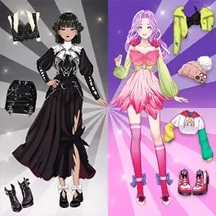





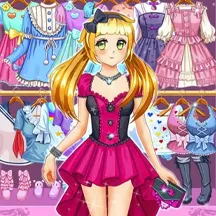















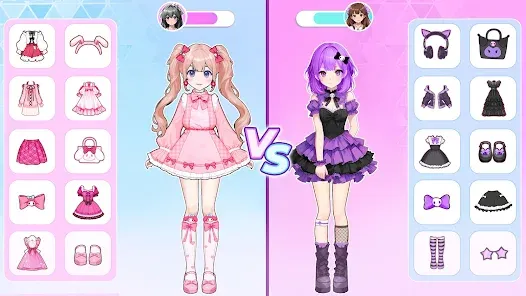
Create a one-of-a-kind anime character in Dream Avatar Studio. Customize facial features, skin color, hairstyles, makeup, outfits, shoes, accessories, wings, and tails in this free dress-up game.
Detailed Ratings
Open
Colorful anime artwork, attractive outfits, and expressive customization options create a polished presentation
Straightforward click
Facial features, colors, clothing, accessories, wings, and tails support highly varied avatar designs
Game Introduction
Dream Avatar Studio is a creative anime dress-up game based on Anime Dress Up by WeLoPlay. Design a stylish manga-inspired character by combining facial features, hairstyles, makeup, clothing, shoes, and accessories in your own way.
Customization goes beyond ordinary fashion choices. Change the character's eye shape and skin color, then add fantasy details such as wings and tails to create an angel, devil, cat-inspired hero, butterfly character, or an entirely original avatar.
The relaxed, open-ended experience has no score pressure or time limit. Simple point-and-click and touch controls make it easy to experiment with new looks in a web browser on desktop computers, phones, and tablets.
How to Play
Begin with the character's basic appearance. Click or tap the available options to choose an eye shape, skin tone, hairstyle, hair color, and makeup that establish the style of your avatar.
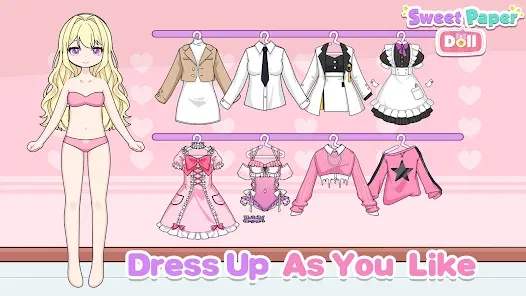
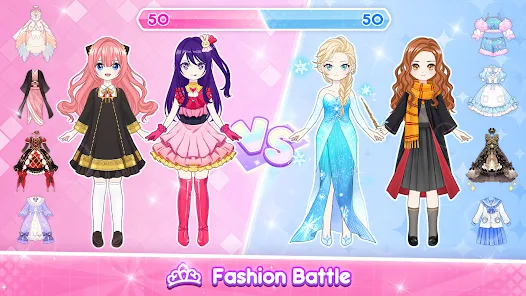
Browse the wardrobe and select dresses, other clothing pieces, shoes, and accessories. Tap an item or color to apply it instantly, then keep mixing different pieces until the outfit feels complete.
Finish the design with fantasy elements such as wings or tails. Try coordinated colors for an elegant result or combine unexpected styles to create a distinctive anime character.
PC and Mobile Interaction
Use the mouse to browse customization categories. Click an item, style, or color to apply it to the character, and click another option whenever you want to replace the current selection.
Tap the category menus, wardrobe items, facial features, and color choices to customize the avatar. The touch interface works on both phones and tablets.
Tips & Tricks
Choose the eye shape, skin tone, and hairstyle first because these features establish the character's overall personality.
Pick a clear theme such as angelic, gothic, casual, elegant, cat-inspired, or butterfly-inspired before selecting clothes.
Use two or three main colors throughout the hair, outfit, shoes, and accessories to create a coordinated design.
Add wings, tails, and other fantasy details after finishing the main outfit so they complement rather than overwhelm it.
Try contrasting light and dark colors when you want individual clothing layers and accessories to stand out.
Experiment freely with unusual combinations; the game has no timer or losing condition, so every design can be revised.
Level Information
Open-ended avatar creator with no traditional levels, timer, score target, or fail state
Customize eye shape, skin color, hairstyle, hair color, makeup, clothes, shoes, and accessories
Fantasy styling options include wings and tails for angel, devil, animal-inspired, and magical looks
Instant item and color selection encourages unlimited mixing, matching, and redesigning
Playable for free in a web browser on desktop computers, phones, and tablets
Developed by WeLoPlay and released in January 2025
Game Tags
Game Information
Screenshots