
Coloring
Popular Games


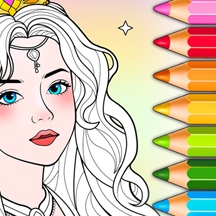







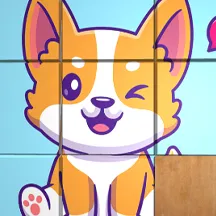
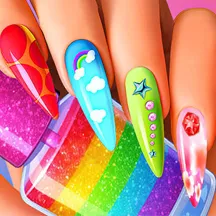

































Turn sketches into colorful digital art in Wonder-Coloring-World. Pick a picture, use brushes or a fill bucket, unlock extra palettes, and save your creations to share.
Detailed Ratings
Brushes, fill tools, and themed sketches make coloring flexible and approachable
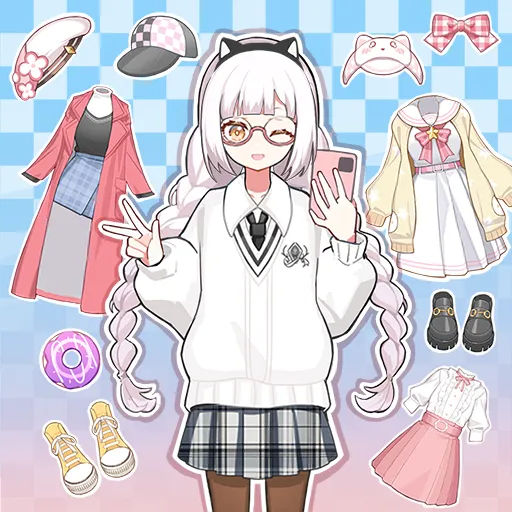
Cute food, animals, fashion, beauty, and fantasy artwork offer varied canvases
Simple click, drag, and tap inputs make tool selection and painting intuitive
Unlimited color choice and additional palettes support distinctive finished pieces
Game Introduction
Wonder-Coloring-World is a digital coloring and decoration game filled with themed sketches. Choose an image and use color to turn it into a finished artwork, whether you prefer cute food, animals, fashion, beauty, or fantasy scenes.
The game supports precise brush strokes as well as quick fill-bucket coloring. Its open palette lets you make every picture bright, subtle, realistic, or completely unexpected.
Extra palettes provide more shades to explore, while saving and sharing options make it easy to keep a favorite creation. The relaxed art activity works equally well for a quick picture or a detailed session.
How to Play
Pick a sketch from the available themes, then choose a color from the palette. Click or tap to select a tool and apply color to the parts of the picture you want to decorate.
Use brush strokes when you want detailed control, or select the fill bucket to cover a larger enclosed area quickly. Switch colors freely to build the style you want.
Unlock extra palettes for more color choices, then save a finished picture and share it when you are happy with the result.
PC and Mobile Interaction
Click to choose a sketch, color, and painting tool. Click and drag to paint, or use the fill bucket on an enclosed area.
Tap to select a sketch, color, and tool. Drag a finger for brush strokes or tap an enclosed area with the fill bucket.
Tips & Tricks
Use the fill bucket on large enclosed areas to establish the main color scheme quickly.
Switch to the brush for small details that need more precise placement.
Choose a limited palette first if you want the whole image to feel coordinated.
Try the extra palettes when a picture needs brighter or more varied shades.
Save a completed design before starting a new sketch so you can return to it later.
Level Information
Digital coloring and decoration without traditional levels or fail states
Themed sketches include cute food, animals, fashion, beauty, and fantasy
Choose between brush strokes and a fill-bucket tool
Additional palettes unlock more color options
Save and share completed creations
Playable on desktop, phone, and tablet