

Music Games
Popular Games






























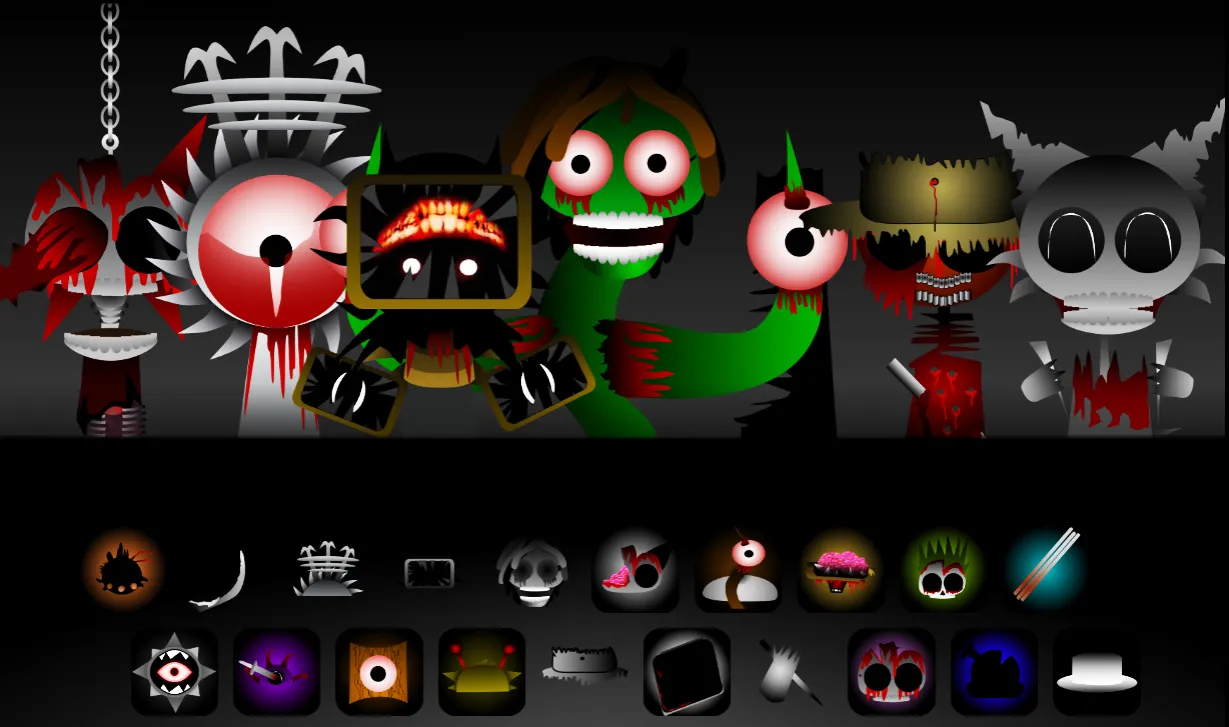
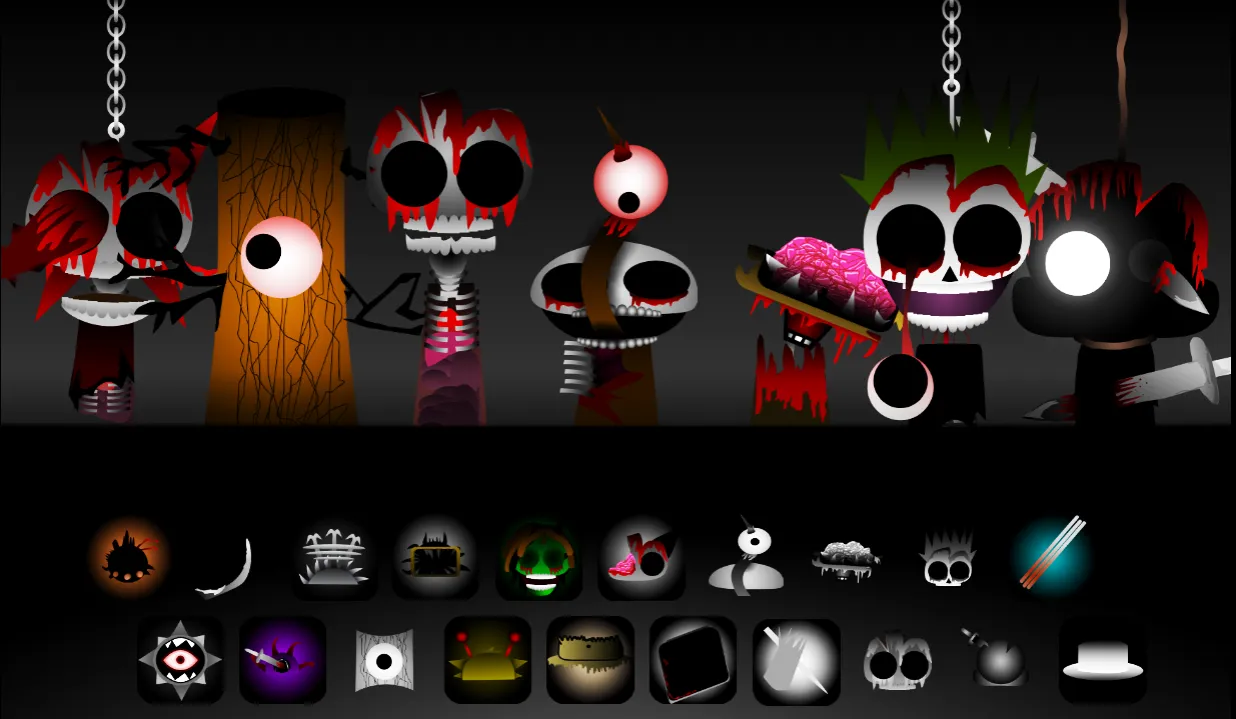
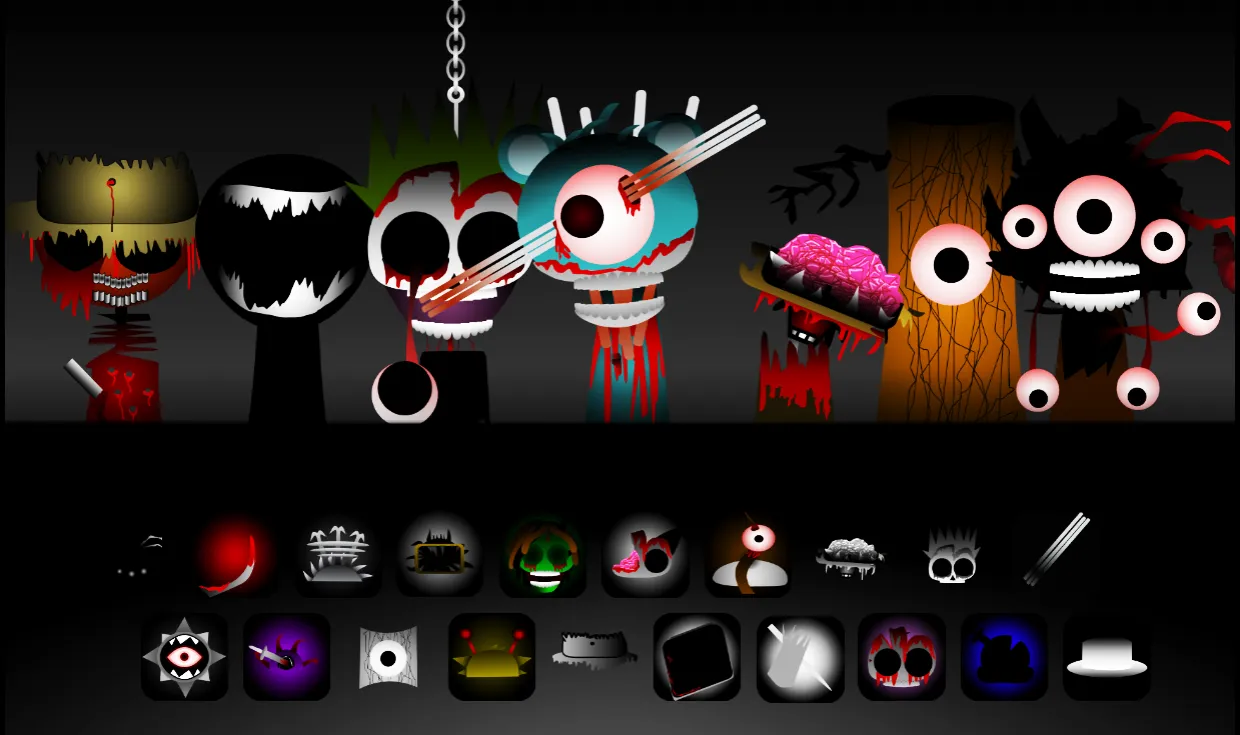
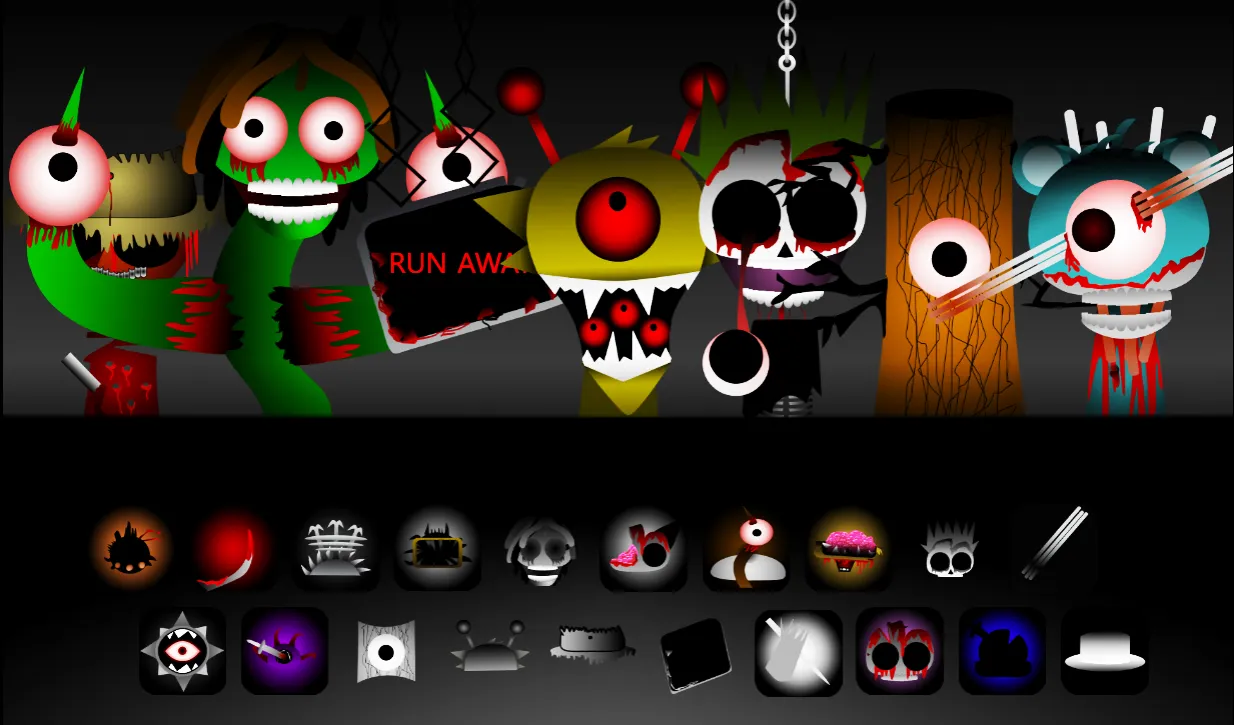
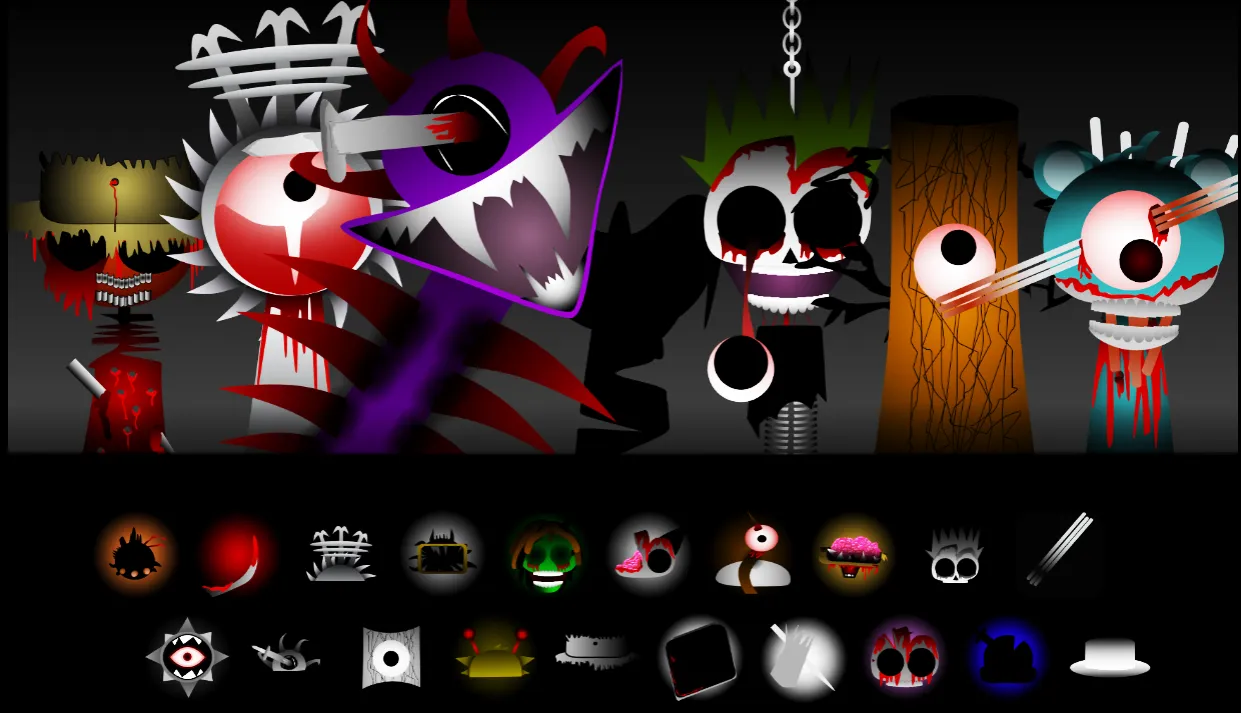
Sprunki Phase 10 is the tenth phase of the cult game Sprunki Incredibox, offering a unique horror experience with completely changed characters, sounds, and animations. Immerse yourself in the dark atmosphere and create eerie compositions with 20 unique characters!
Detailed Ratings
Game Introduction
Sprunki Phase 10 represents the culmination point in the evolution of the Sprunki Incredibox universe, offering players to immerse themselves in a world where music and horror merge together. This is the tenth phase of the famous series, where characters, sounds, and animations have undergone radical changes, creating a completely new Sprunki Incredibox experience. Unlike previous phases, Sprunki Phase 10 is fully dedicated to horror themes, offering players to explore the dark side of musical creativity.
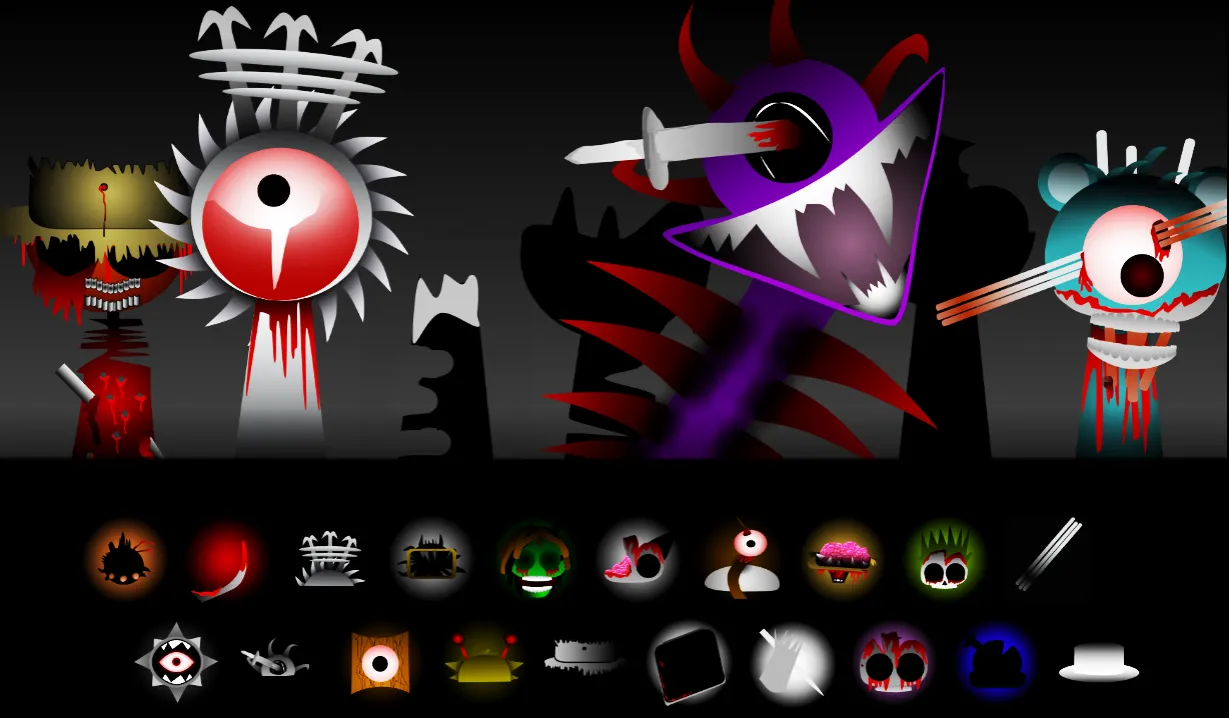
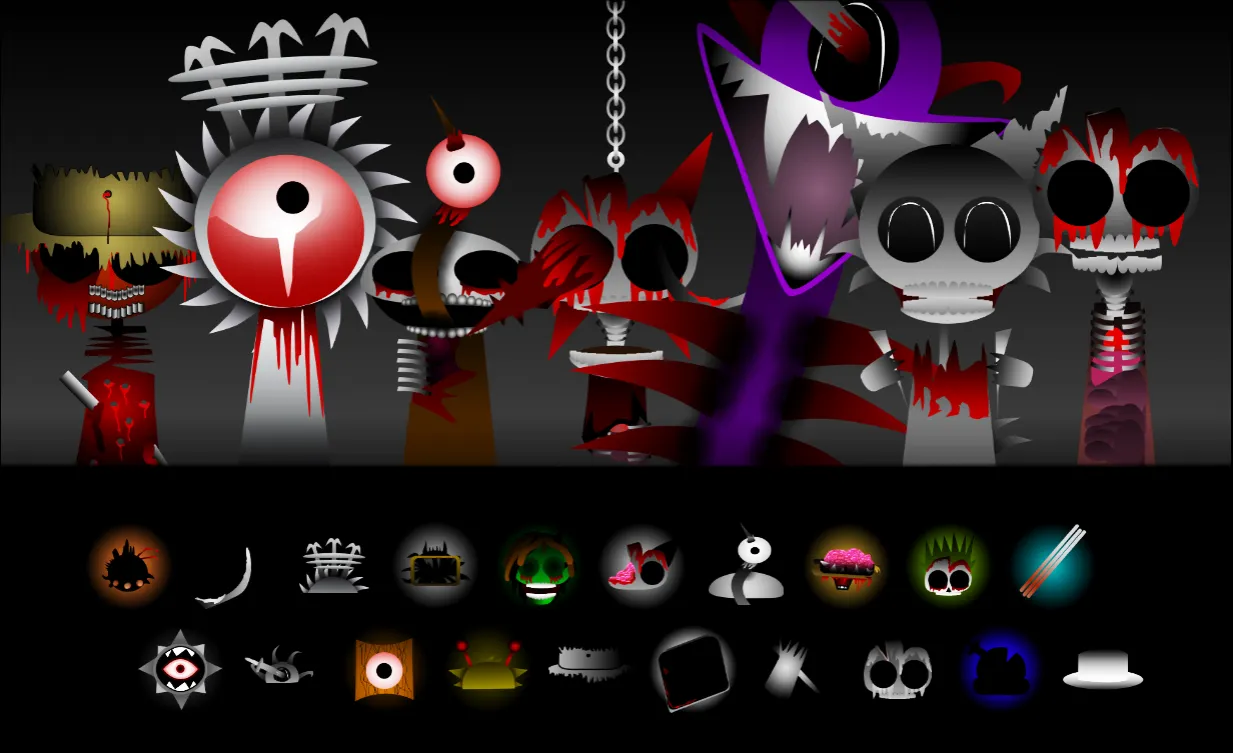
Sprunki Phase 10 differs from all other phases with its unique atmosphere and sound design. Characters in this phase have a completely different appearance - from eerie creatures to mysterious figures, each bringing their unique sound to the overall composition. The soundscapes of Sprunki Phase 10 include dark beats, anxious melodies, eerie vocals, and atmospheric effects that create an incomparable horror atmosphere.
A distinctive feature of Sprunki Phase 10 is the presence of 20 unique characters, each representing a specific musical element: beats (Oren, Raddy, Clukr, Fun Bot, Vineria), effects (Grey, Brud, Garnold, OWAKCX, Sky), melodies (Mr. Sun, Durple, Mr. Tree, Simon, Tunner) and vocals (Mr. Fun Computer, Wenda, Pinki, Jevin, Black). Each character has their unique status - some are dead, others infected, which adds an additional layer of depth to the gaming experience.
Sprunki Phase 10 is one of the most popular phases in the series, along with Phase 4, thanks to its unique sound loops and melodies that differ from all previous phases. The game offers boundless opportunities for creativity, allowing players to experiment with various sound combinations and create their own eerie compositions. Sprunki Phase 10 is completely free and available to play on both PC and mobile devices without requiring additional installation.
How to Play
Play Sprunki Phase 10 online at Sprunki.com by clicking the 'PLAY NOW' button. Use the intuitive drag-and-drop system - select one of 20 unique Sprunki Phase 10 characters and add them to your choir. Each character in Sprunki Phase 10 automatically starts playing their unique sound, creating a multi-layered musical composition with a horror atmosphere.
In Sprunki Phase 10, you can play and stop characters one at a time in your choir, giving you full control over the composition being created. Sound combinations change when characters swap places, allowing you to create an infinite number of unique tracks. For precise audio control, use icons under each character on stage - mute, solo (mute others), or remove the character's sound.
A special feature of Sprunki Phase 10 is the ability to change color themes from the Settings section for a better user interface. All controls are via MOUSE or touch controls, making the game accessible for all devices. Experiment with various character combinations in Sprunki Phase 10 to find your unique style and create eerie yet captivating compositions.
Sprunki Phase 10 offers a unique musical creativity experience where each character has their own sound profile and visual style. The game is fully compatible with both desktop and mobile platforms, allowing you to create music anywhere. Low system requirements and small size make Sprunki Phase 10 accessible to all players.
PC and Mobile Interaction
Use the mouse to drag characters in Sprunki Phase 10. Click on a character in the selection menu and drag it onto the stage to add to the choir. Click on a character on stage in Sprunki Phase 10 to remove them. Click on icons under the character in Sprunki Phase 10 to control audio - mute, solo, or remove. Use the spacebar to play/pause music in Sprunki Phase 10. Press R to record your composition in Sprunki Phase 10. To change color themes, use the Settings section.
Use the touch screen to drag characters in Sprunki Phase 10. Tap and hold a character in the selection menu, then drag it onto the stage. Tap on a character on stage in Sprunki Phase 10 to remove them. Tap on icons under the character in Sprunki Phase 10 to control audio. Use the play button to control music in Sprunki Phase 10. Tap the record button to save compositions in Sprunki Phase 10. To change color themes, use the Settings section.
Tips & Tricks
Experiment with various character combinations in Sprunki Phase 10 to unlock hidden animations and special effects
Use the solo function to isolate individual sounds and create more focused compositions
Try swapping characters in the choir - this creates new sound combinations and atmosphere
Pay attention to character statuses (dead/infected) - they affect the overall atmosphere of the composition
Explore different color themes in settings to create a more suitable atmosphere
Try creating contrasting compositions by combining eerie and calmer elements
Level Information
Sprunki Phase 10 does not have traditional levels in the sense of ordinary games. Instead, you create unique musical compositions by experimenting with 20 different characters, each representing a specific musical element. The game offers a progressive experience through character placement - each new character adds a new layer to the musical composition, creating a richer sound palette.
As you place characters in Sprunki Phase 10, you will witness gradual changes in atmosphere and activation of additional visual effects. Some sound combinations unlock special animations and hidden modes, adding an element of surprise to each musical creation. Sprunki Phase 10 offers endless possibilities for experimenting with various character and sound combinations, making each session unique.
A distinctive feature of Sprunki Phase 10 is the horror theme that permeates all aspects of the game - from visual style to sound design. The game is completely free and available to play on both PC and mobile devices without additional installation, offering low system requirements and small file sizes.
Game Tags
Game Information
Screenshots